Product Screens
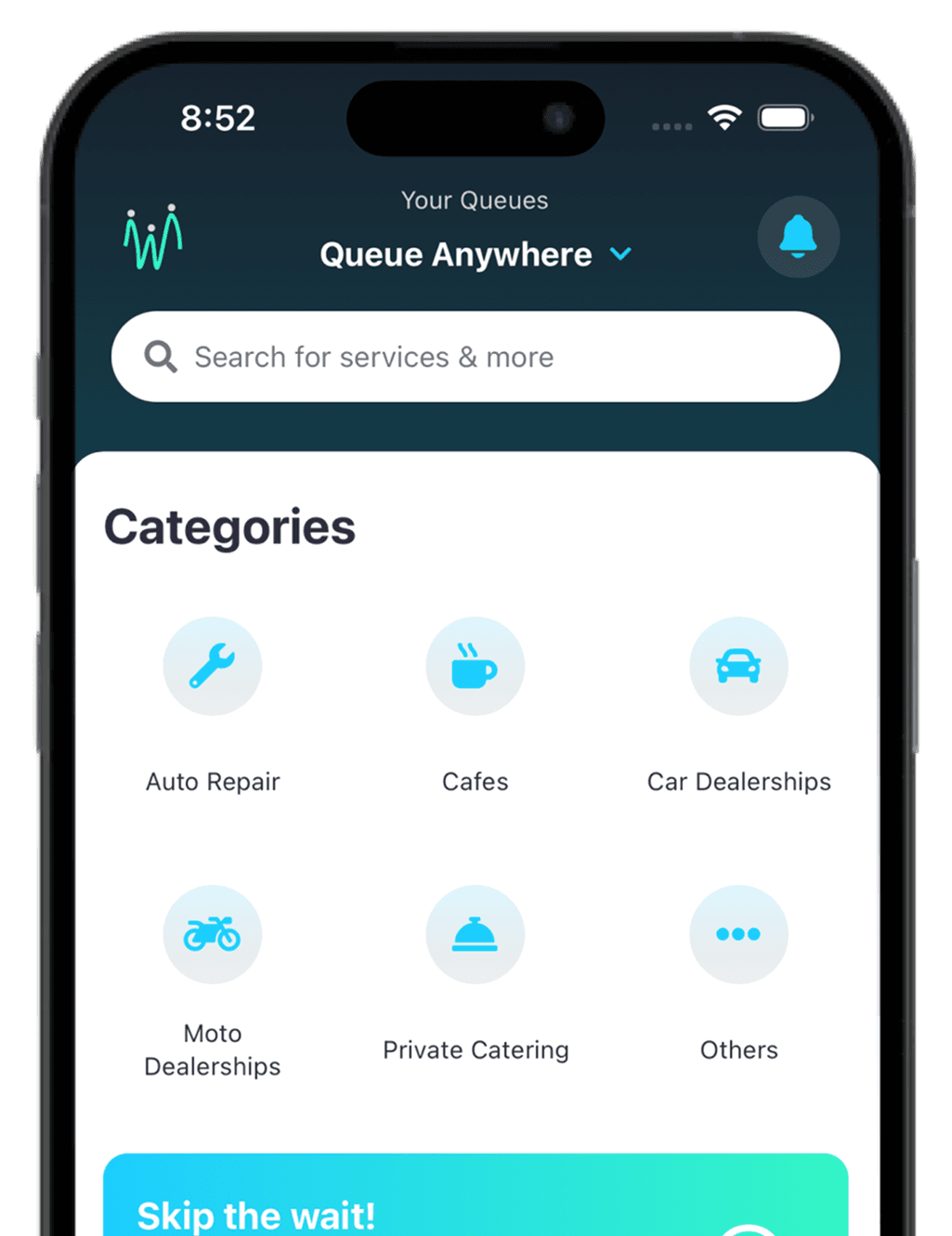
High-resolution screenshots of our platform
Brand Colors
Ocean Blue
#17222D
tawabiry Usage:
Primary brand color, used for main backgrounds and navigation
Suggested Uses:
- Professional dashboards
- Header backgrounds
- Primary navigation
- Dark mode themes
Concrete Turquoise
#13404D
tawabiry Usage:
Secondary background color, used for gradients and cards
Suggested Uses:
- Gradient transitions
- Secondary containers
- Section backgrounds
- Depth indicators
Crystal Blue
#34F5C5
tawabiry Usage:
Primary accent color, used for key interactive elements and brand highlights
Suggested Uses:
- Primary CTA buttons
- Brand accents
- Success states
- Key highlights
Baby Blue
#1DCDFE
tawabiry Usage:
Secondary accent color, used for interactive elements and highlights
Suggested Uses:
- Secondary buttons
- Active states
- Progress indicators
- Information highlights
Coal Black
#2F2E41
tawabiry Usage:
Primary text color and deep backgrounds
Suggested Uses:
- Primary headings
- Important text content
- Footer backgrounds
- High contrast elements
Lava Red
#B41818
tawabiry Usage:
Error states and destructive actions
Suggested Uses:
- Delete buttons
- Error messages
- Warning alerts
- Validation errors
Lava Black
#444444
tawabiry Usage:
Dark UI elements and contrast backgrounds
Suggested Uses:
- Card shadows
- Overlay backgrounds
- Modal backdrops
- Dark theme elements
Ignite Black
#3E3E3E
tawabiry Usage:
Bold text and strong emphasis elements
Suggested Uses:
- Strong emphasis text
- Icon colors
- Button text
- Active menu items
Grey Shades - UI Elements & Typography
Our comprehensive grey palette provides subtle variations for text hierarchy, borders, backgrounds, and interactive states across web and mobile platforms.
Off White
#D9D9D9
Grey Usage:
Light backgrounds for content areas and card backgrounds
Use Cases:
- Web: Page backgrounds, light sections
- Mobile: Screen backgrounds, modal overlays
- Both: Card backgrounds, input field backgrounds
Shark Grey
#C5C5C5
Grey Usage:
Subtle borders and light dividers between elements
Use Cases:
- Web: Card borders, table borders
- Mobile: List dividers, section separators
- Both: Input field borders, tab dividers
Slight Slate Grey
#C3C3C3
Grey Usage:
Very light borders and disabled element states
Use Cases:
- Web: Disabled button borders, subtle dividers
- Mobile: Inactive tab indicators, placeholder text
- Both: Loading state borders, skeleton screens
Lite Grey
#ADADAD
Grey Usage:
Standard borders, dividers, and inactive elements
Use Cases:
- Web: Form borders, sidebar dividers
- Mobile: Navigation borders, toolbar dividers
- Both: Button borders, icon outlines
Slate Grey
#7D7D7D
Grey Usage:
Secondary text, metadata, and descriptive content
Use Cases:
- Web: Captions, helper text, timestamps
- Mobile: Subtitle text, menu descriptions
- Both: Form labels, secondary information
Dark Grey
#515151
Grey Usage:
Body text, form inputs, and readable content
Use Cases:
- Web: Article text, form field text, descriptions
- Mobile: Message text, list item text
- Both: Input placeholder text, paragraph content
Typography
Primary Fonts
Jost
Primary font for mobile app
- Regular weight for body text
- Bold weight for headings
- Used in navigation and main content
Istok
Secondary font for mobile app
- Used for buttons and CTAs
- Bold weight for emphasis
- Interactive elements
Inter
Supplementary font
- Used for specific components
- Monospace variations
- Technical content
Font Weights
Bold (700)
Semibold (600)
Medium (500)
Regular (400)
Font Sizes
Heading Large - 28px
Heading Medium - 24px
Heading Small - 20px
Body Text - 16px
Small Text - 14px
Usage Guidelines
Do's
- ✓Use our official logo files
- ✓Maintain minimum clear space
- ✓Use approved color combinations
Don'ts
- ✕Modify or distort the logo
- ✕Use unapproved colors
- ✕Add effects or shadows
Need Something Else?
For press inquiries or additional assets, please contact our media team
Contact Media Team